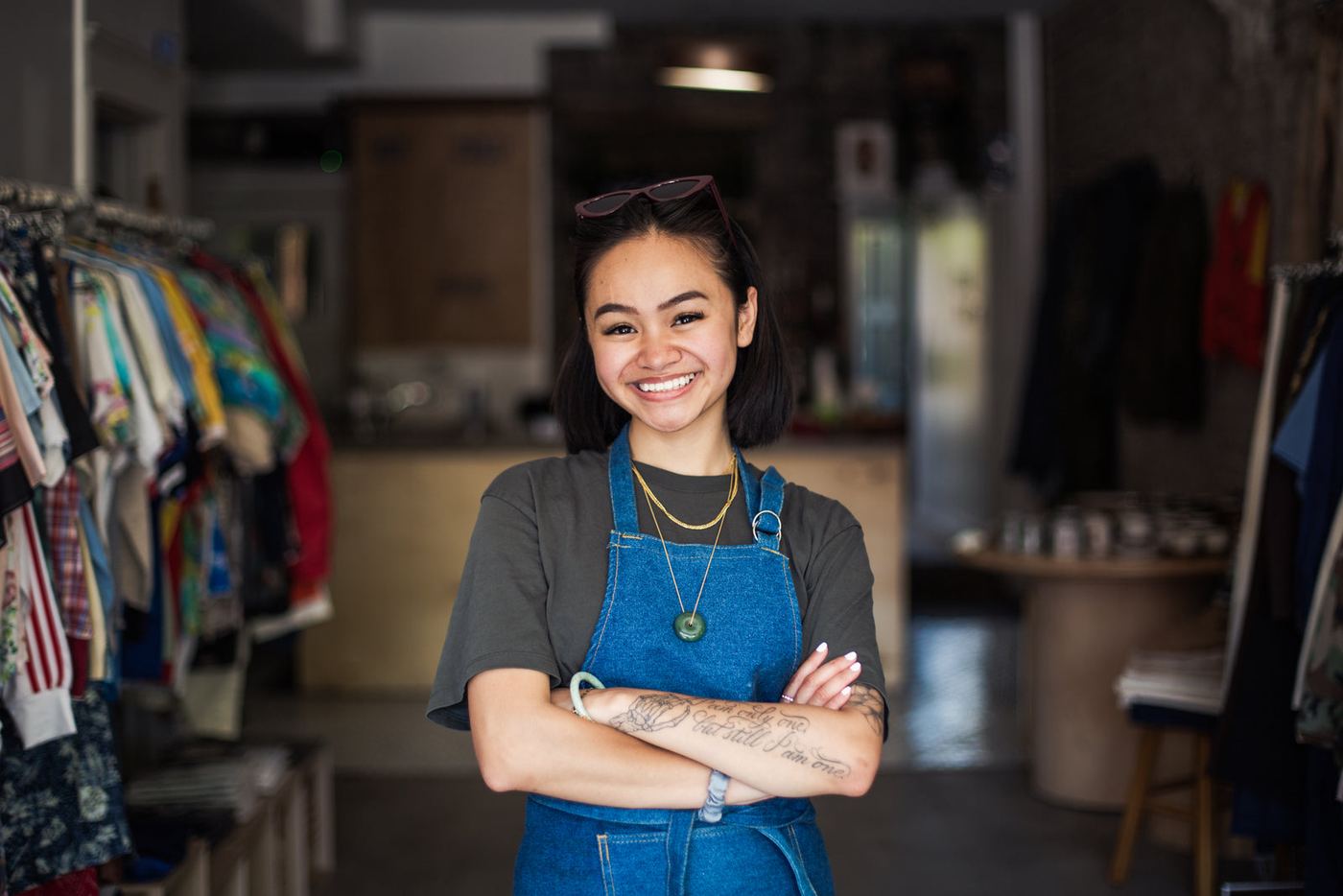
Optical store
Squints Optical. Less admin. A busier optometrist.
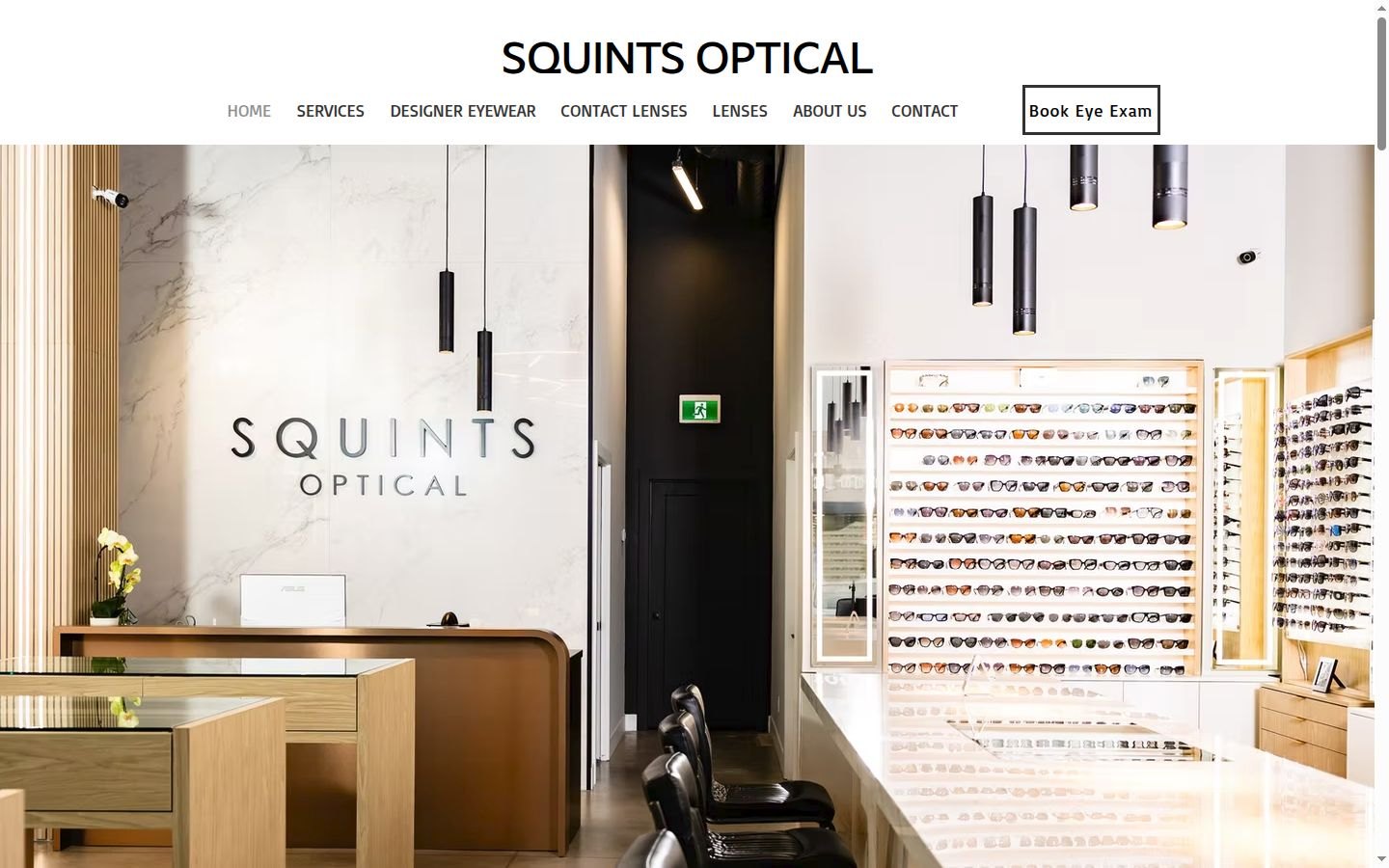
The owner runs an optical store with an optometrist on site. We built a store system that runs on a computer in the store: reminders and recall, lab orders typed once, insurance claims prepared for staff, receipts from a photo, payroll hours and a morning brief on his phone. It is built and tested in a dry run, and every lab order, claim and campaign waits for a person.
8am brief on his phoneapprove with one tap
A person approves every orderlab orders · claims · campaigns
- BusinessOptical store with an optometrist on site
- What we builtStore system, dashboard, morning brief, AI assistant
- StatusBuilt and tested in a dry run
The problem
The admin was eating the day.
The owner's biggest pain, in his words, is admin work. The goal he named was to get the optometrist busier. The store earns on eyewear, not exams, but most glasses and contact lens sales start with an eye exam.
Bookings live in Google Calendar, and he does them himself. Text reminders were sent out by hand, with no email reminders. After a sale, the prescription and the order were typed again by hand into each lab's website. Patients with benefits paid up front and claimed it themselves. Receipts were all paper, and staff hours went to the accountant by hand.
Patient files sit in the optometrist's current medical software, which he doesn't like. Our estimate, before timing it with him: lab orders alone take 2 to 4 hours a week, at about 15 orders a week and 8 to 15 minutes each.
What we built
A store system that does the typing.
-
Live demoThe morning brief and one approval, on Telegram. Sample day, made-up counts.Animated mock-up of a Telegram chat with sample details: the 8am brief lists 5 appointments, 21 patients due and not booked, 2 orders ready for pickup and 2 items waiting for approval; a lab order arrives with Approve and Decline buttons, the owner taps Approve and the bot confirms; the owner asks what's waiting on claims and the bot answers with counts. 01
A morning brief on his phone
At 8am the store system sends the owner one Telegram message: today's appointments, who hasn't confirmed, orders ready for pickup, claims not yet paid. Anything waiting for his OK follows as its own message with Approve and Decline buttons.
- Counts, times and statuses only: no names, phone numbers or prescriptions go to Telegram
- Plain-language asks to the assistant: "what's waiting on claims?"
- The Approve button is handled by plain code with its own key, never by the AI
- The same brief sits on the dashboard's Today page on the store computer
-
Live demoThe real recall text, as a patient would get it. In the dry run it is recorded, not sent. Made-up patient.Animated mock-up: four checks pass (due for an exam, consent on record, not opted out, outside quiet hours), then the recall text appears on a phone: Squints Optical: Hi Sarah, it's been about two years since your last eye exam. Reply BOOK and we'll text you times. Reply STOP to opt out. The patient replies BOOK. 02
Reminders and recall that send themselves
The system reads Google Calendar and sends the reminders: an email 48 hours before and a text the day before, with C to confirm and R to reschedule. It also works out who is due for an eye exam and invites them back, with one follow-up.
- Due dates: yearly for 19 and under and 65 and over, every 2 years for adults, yearly with a diabetes flag
- Texts name the store, fit in one text and end with "Reply STOP to opt out"
- A reply of BOOK puts the patient on a list for staff to book
- Messages never mention a health condition
-
Live demoOne order, filled from what staff typed once. A simulator stands in for the lab's site. Made-up order.Animated mock-up of a lab order form filling in with a sample order: patient reference, job type, progressive polycarbonate lenses with anti-reflective coating, a frame and size, right and left eye prescription, PD and seg height; three checks pass, the form stops before Submit, a person taps Approve and it is submitted with a reference saved. 03
Lab orders typed once
Staff enter the order once in a structured form, or paste the prescription. The system checks it, fills in the lab's order form and stops before Submit. Only after a person approves does it submit and save the lab's reference.
- Checks every prescription: quarter steps, an axis whenever there's a cylinder, PD and seg height in range
- Approval is bound to exactly what was prepared; if anything changes, approving fails
- "Ready for pickup" goes to the patient by text or email when the glasses arrive
- Built with a simulator; the real Lens Shapers and Centennial forms get recorded with the owner at the screen
-
Live demoA claim sheet from prepared to paid. The system never submits; staff do. Made-up patient, amounts left out.Animated mock-up of a ready-to-submit TELUS claim sheet with sample details: insurer Sun Life, plan member numbers partly hidden, relationship self, items progressive lenses and frame, service date and prescription date; a person taps Approve, then the claim moves through four stages: prepared, approved, submitted by staff in TELUS, paid. 04
Insurance claims, prepared for staff
Patients wanted to walk out without paying up front. TELUS eClaims has no public connection for outside software, so the system prepares each claim once, a person approves it, and staff key the ready-to-submit sheet into the TELUS portal. Then it tracks the claim until it's paid.
- Checks the claim is complete before it can be approved
- Plan member details are encrypted; the sheet shows them only to staff
- Staff record the TELUS claim number, then paid or rejected with the reason
- Anything unpaid after 2 weeks shows up in the morning brief
-
Live demoA receipt photo sent to the assistant, filed for the books. Sample receipt.Animated mock-up: a phone photographs a paper receipt, then five steps complete: photo saved and encrypted, store and date read off it, matched to the card charge, added to the Wave list, nothing missing for that charge. 05
Receipts from a photo, payroll in one summary
Paper receipts got lost. Now staff snap a photo on the dashboard, or the owner sends one to his assistant on Telegram. Each month the card charges are matched to receipts, and whatever is left becomes a short missing-receipt list.
- Photos are encrypted on the store computer
- Matched by amount, with dates within 3 days
- A list of what still needs entering in Wave
- Staff hours per pay period, approved by the owner, then emailed to the accountant
-
Live demoThe Today page on the store computer. Sample day, made-up patients.Animated mock-up of the Squints dashboard Today page with sample numbers: 5 appointments, 3 waiting for approval, 2 ready for pickup, 21 due and not booked; a chart of exams booked per week and today's appointments with their status. 06
A dashboard on the store computer
A private dashboard for the owner and his staff: Today, patients and recall, reminders, messages, the email list, orders, claims, receipts, payroll hours and approvals. It shows every message exactly as it would go out, so the dry run can be checked before anything is switched on.
- Each part is off until it's connected and the owner ticks it in Settings
- A kill switch stops everything going out at once
- Workflows: a diagram of each process, inside the dashboard
- Message templates: all 12, previewed with a made-up patient
-
- One encrypted database, no cloud database
- Every personal field sealed with AES-256-GCM
- Encrypted nightly backups
- An append-only audit log
- The AI never sees names or prescriptions
- Text replies only act on fixed keywords
- Consent recorded: who, when, how, wording
- Dashboard reachable only on that computer
07
Built for health data
The system holds prescriptions, exam dates and benefits details, so it runs on the store's own computer and is built around Ontario's health privacy law (PHIPA) and Canada's anti-spam law (CASL).
Also in the dashboard
- Patients and recall: import from a spreadsheet, with a preview that flags problems first
- Glasses ready: a text or email on arrival, care tips after pickup, a contact lens reorder reminder
- Email list: express and implied consent, a counter QR sign-up page, campaigns with opens, clicks and bookings
- Messages sent: every email and text, exactly as it went out or would have
- Payroll hours: a grid per pay period and a CSV
- Settings: every part switched on one at a time, plus the kill switch
- Workflows: a diagram of each process
Built with
- OpenClaw + Telegram
- Node 24 + TypeScript
- SQLite on the store computer
- AES-256-GCM field encryption
- Hash-chained audit log
- Google Calendar + Gmail
- Twilio SMS (built, off)
- Windows 11 + WSL2 + BitLocker
- 142 automated tests
Under the hood
The rules, written in code.
Figures come from the code itself. Screens are from the preview with made-up patients, and amounts are taken out.
-
Messages
Every message through one gate
Reminders, recall, glasses ready, care tips, review requests and campaigns all go through the same checks before anything is sent: the kill switch, whether it's still valid, opt-outs, consent for marketing, the store's mailing address, quiet hours, and the dry run.
- 12message templates, email and text
- 48hbefore a visit: the email reminder
- 24hbefore a visit: the text reminder
- 1text per message, never split
Implied consent lasts two years from the last purchase, as CASL allows. A tick box on the intake form and a counter QR sign-up page record express consent.
Live demoOne reminder going through the gate. In the dry run it is recorded, not sent. Made-up patient.Animated mock-up of the message gate: a text reminder for a 10am eye exam passes six checks (kill switch off, appointment still booked, not opted out, consent on record, store address included, outside quiet hours), then the dry run records it exactly as it would go out. -
Approvals
A person signs off on everything outward
Lab orders, insurance claims, bulk email campaigns and the payroll summary are prepared, then wait for Approve on Telegram or the dashboard. Staff can approve lab orders and claims. Only the owner can approve campaigns and payroll.
- 72hbefore an unanswered approval expires
- 2 weeksbefore an unpaid claim is flagged
- 0tools that let the AI approve, send or submit
An approval is tied to exactly what was prepared. Change one number on the order and the old approval no longer works.
Live demoThe approvals queue. Nothing leaves until a person taps Approve. Made-up orders.Animated mock-up of the approvals queue: a lab order for progressive glasses and a Sun Life claim are approved by staff, an email campaign to 34 people is approved by the owner, and an order changed after approval has to be approved again.
The assistant
What the owner can ask it.
It runs on OpenClaw on the store computer and talks to the owner on Telegram. It has 12 narrow tools, and they return counts, times and statuses, never patient details.
The day
- The daily brief, any time
- What's waiting for approval
- Whether each part is on, off or in dry run
Patients
- Who is due and not booked, as counts
- How the email campaigns did: opened, clicked, booked
Orders and claims
- Orders by stage, from the lab to pickup
- Prepare a lab order for approval
- Claims by stage, and prepare a claim for approval
The books
- File a receipt photo he sends
- Card charges with no receipt
- Hours per person for a pay period
Guardrails
- It can prepare, never approve: the Approve button runs plain code with a key the AI can't use
- A test runs every tool on sample data and fails if a name, phone number, prescription or health flag appears
- Text replies, emails and web pages are never instructions to it
Ready, not switched on yet: texts (needs a Twilio number); real Lens Shapers and Centennial forms (recorded with the owner at the screen); the patient list from his current medical software; Google Calendar and email; drafted replies to Instagram, Facebook and email, if he wants them.
What it enforces
Rules, not promises.
It isn't running in the store yet, so these aren't outcomes. They're what the system guarantees from day one, and what went into building it.
- 142automated testsReminders, recall, consent, the message gate, approvals, tools and the dashboard
- 9store processes builtReminders to the morning brief, each off until switched on
- 0lab orders, claims or campaigns sent without a personEvery outward action waits for Approve
- 0claims the system submits itselfStaff always press submit in the TELUS portal
- 0names or prescriptions the AI can readChecked by a test on every tool
- 0cloud databasesOne encrypted database on the store computer
- 12tools the assistant can callNarrow, and none of them approves or sends
- 12message templatesEach previewed with a made-up patient
- 1kill switchStops every email, text and approval at once; nothing queued is lost
More work
Other case studies.
-
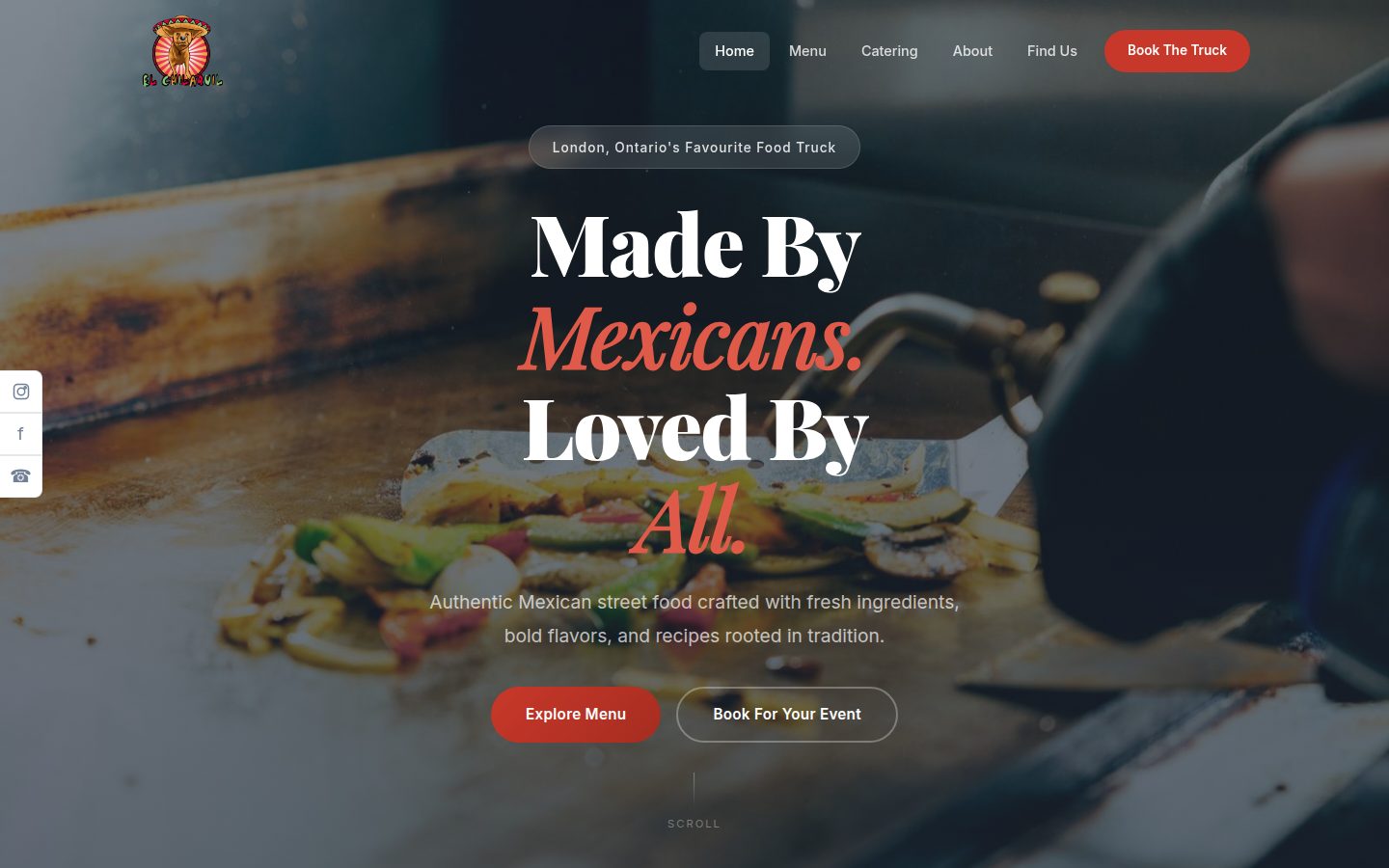
Food truck & catering · London, Ontario
El Chilaquil
A family-run Mexican street-food truck that also caters weddings, corporate lunches and parties across Southwestern Ontario. We rebuilt their website, gave them a 24-page business dashboard and put an AI agent in their team chat that watches the inbox, briefs them every morning and drafts the replies.
Read the case study -
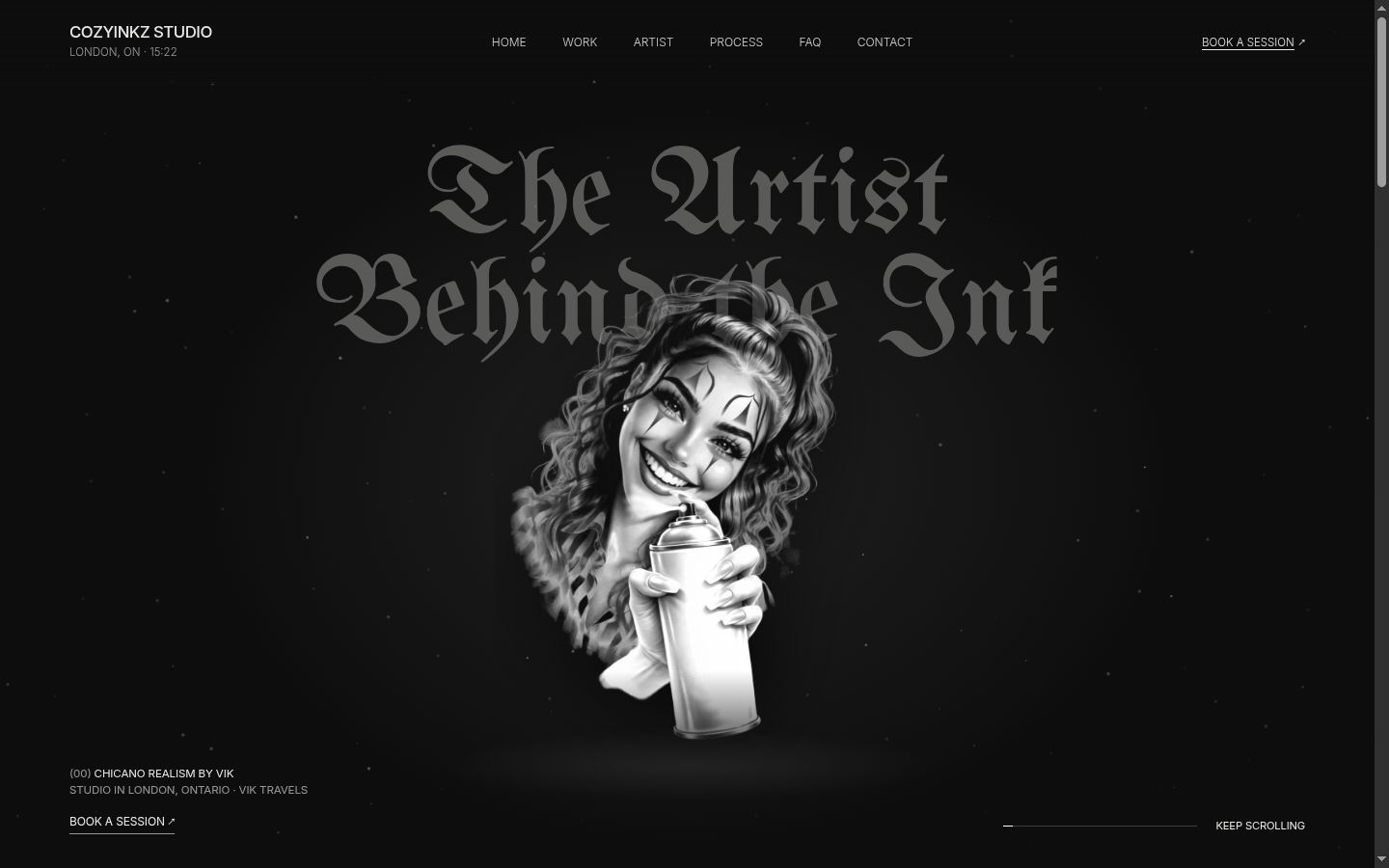
Tattoo studio · London, Ontario
CozyInkz
Vik is a solo tattoo artist known for black and grey Chicano realism, working from a private studio in London and on house calls. We built his website, a deposit-first booking system, a consent and health form, an owner dashboard and an AI assistant for his own PC. It is built, tested and running on a preview with sample data, ready to launch.
Read the case study
Say hello
Let's see what we can take off your plate.
A free consultation is the easiest way to find out whether AI would help your business, and where to start if it would.
Book a free consultation